One Sentence. One App. Your iPhone.
Build the screens for your idea and try them straight away in the browser, as many times as you like.
Scripted studio demo, not a live build: the request in the chat, Vega’s reply, then the app preview on a phone.
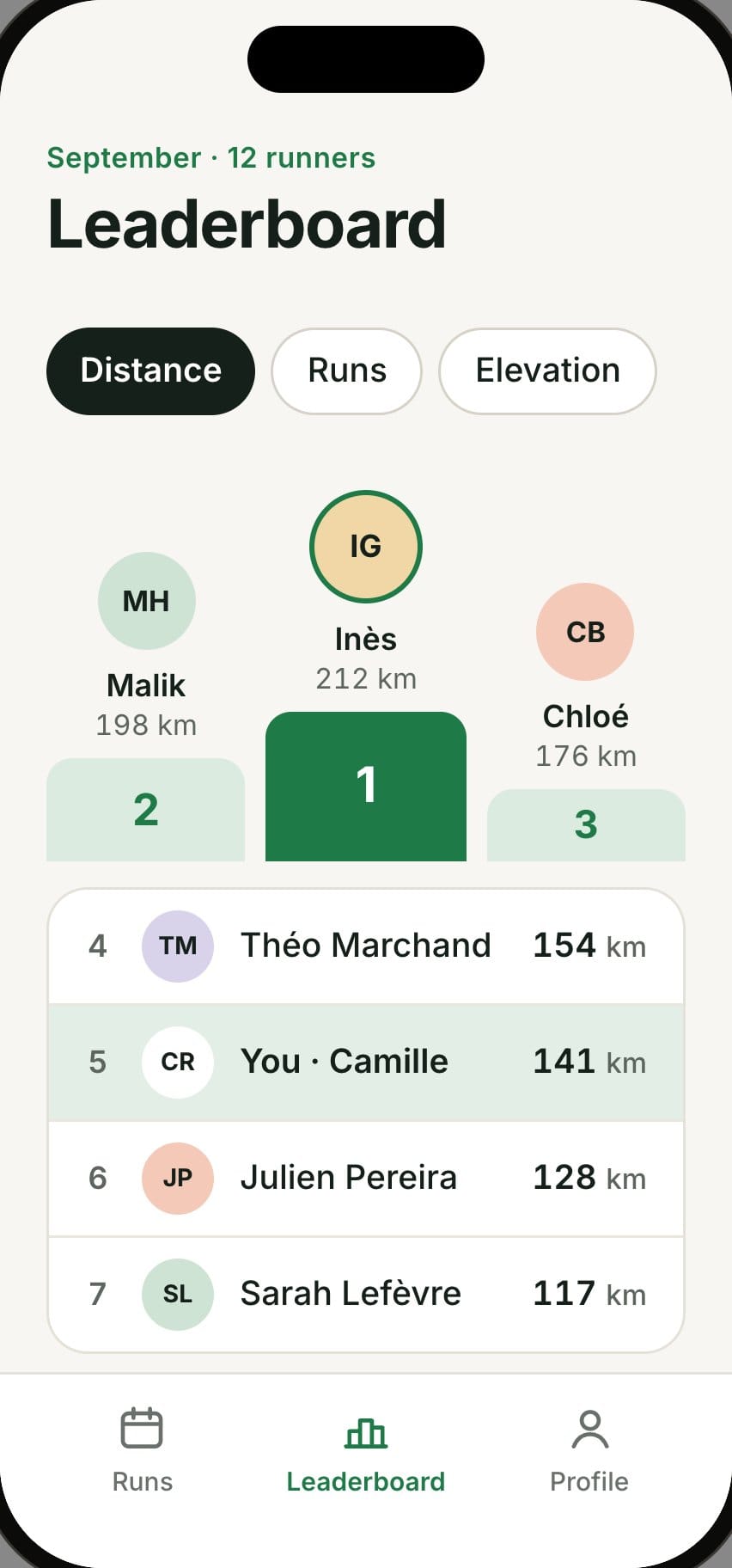
An app for my running club with this week’s runs and a monthly mileage leaderboard.
Vega
I’m building three screens: the runs, run details and the leaderboard. Tab navigation, with 12 sample runners.
- Screen plan
- Tab navigation
- Leaderboard screen
- Check in the browser

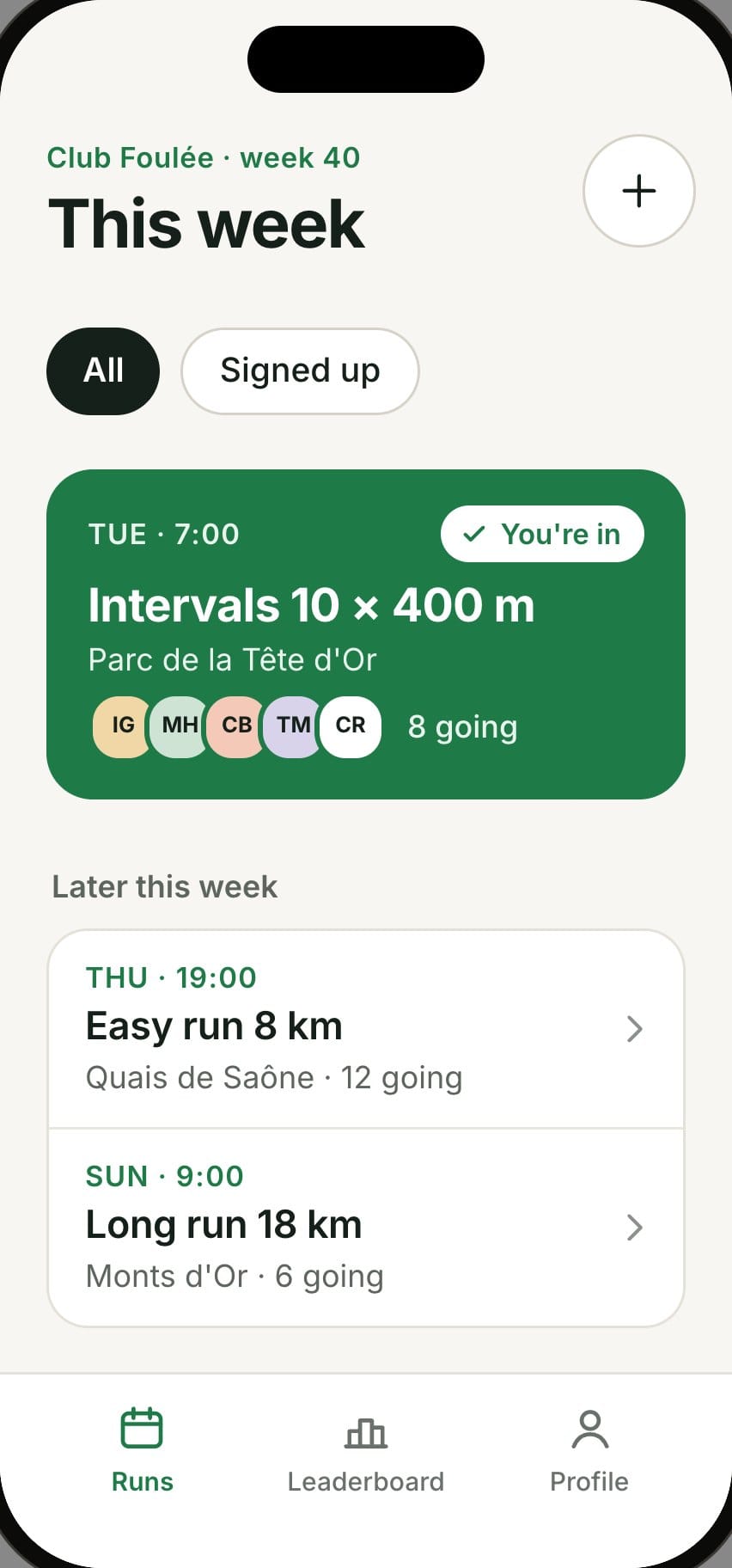
Your app is readyTry it in the preview and ask for a change whenever you like.
Your app runs live in your browser
The preview is your app actually working: move between screens and ask for a change whenever you like. You can also start from a template: social network, tracker, shop or a blank page.
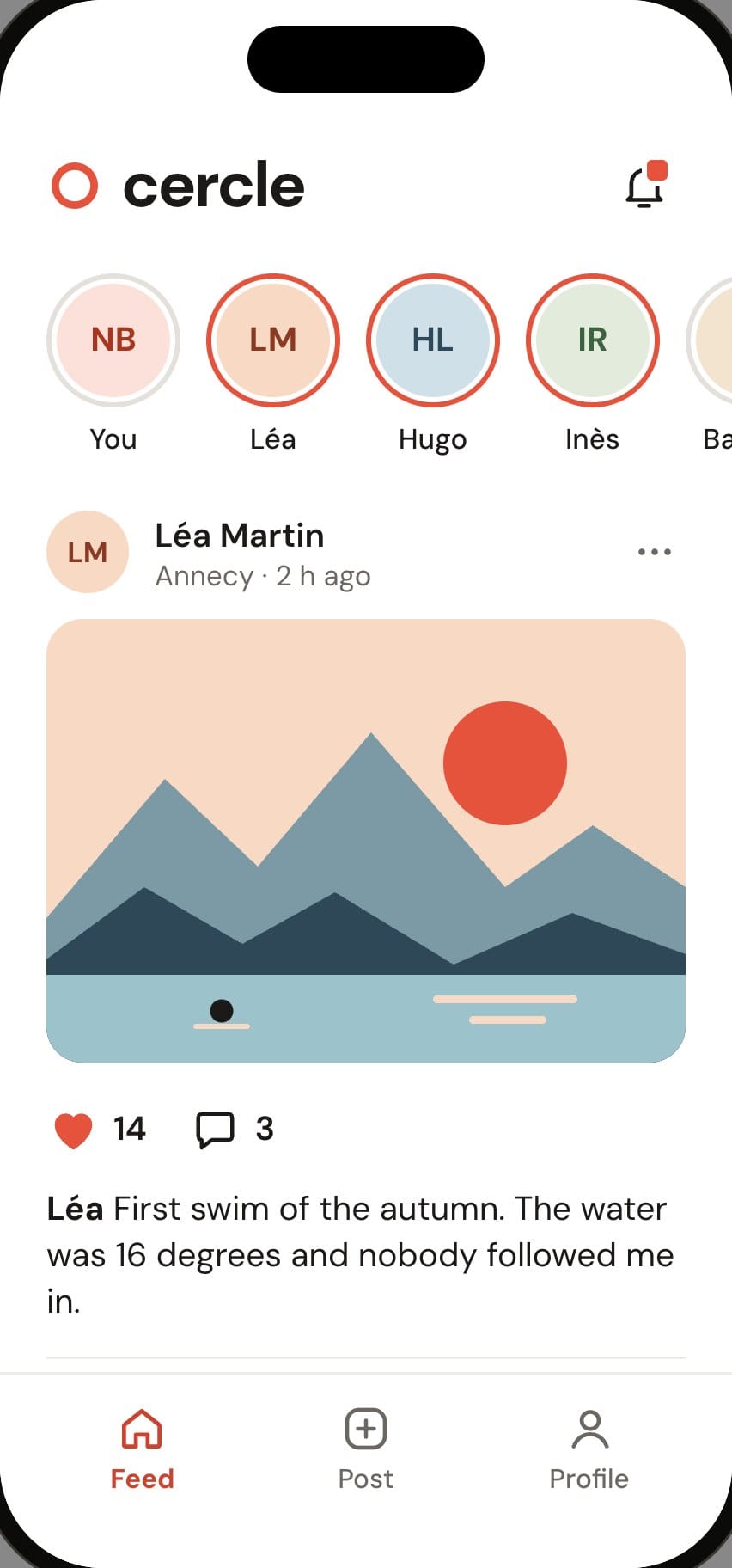
Add reactions under each photo.
Vega
I’m adding reactions under each post in the feed.
Preview updated
One app, two phones
Your app is built with React Native and Expo: the same project gives you a real iPhone app and a real Android app.
- 1A single projectYou describe your app once. Vega writes a single, clean, readable codebase.
- 2Two phonesThe same project gives you a real iPhone app and a real Android app.
- 3Native screensLists, tabs, forms and navigation: the phone’s own components.
Why React Native?
It is the technology behind apps you use every day. Your project rests on a widely used standard.
Every version is checked
Before every preview, Vega runs your app in a browser and checks that it displays without errors. If it finds a problem, it fixes it and checks again. You only see the result, and those fixes are never charged.
- 12:04:31Leaderboard screen built
- 12:04:33Error: a runner with no rank crashes the list
- 12:04:35Fix: every runner gets a rank
- 12:04:37Display checked in the browser
- 12:04:37Preview updated, no credits charged
What if the fix fails?
The last checked version is kept. The request goes for review, with no charge. You can return to your project while the team reviews it.
The code is yours
The files are accessible in the studio, using React Native and Expo. The excerpt below illustrates that code: it is what Vega writes for you.
- app/
- (tabs)/
- index.tsx
- leaderboard.tsx
- run/[id].tsx
- components/
- RunCard.tsx
- LeaderboardRow.tsx
- data/runners.ts
- app.json
- package.json
app/(tabs)/leaderboard.tsx
export default function Leaderboard() { const month = sortByKm(runners, 'october'); return ( <View style={styles.page}> <Text style={styles.title}>Monthly leaderboard</Text> <FlatList data={month} keyExtractor={(r) => r.id} contentContainerStyle={styles.list} renderItem={({ item, index }) => ( <RankRow rank={index + 1} runner={item} /> )} /> </View> );}
What one sentence can turn into, screen by screen
For each request, three of the screens it can lead to. These are illustrations with sample data.
Social network
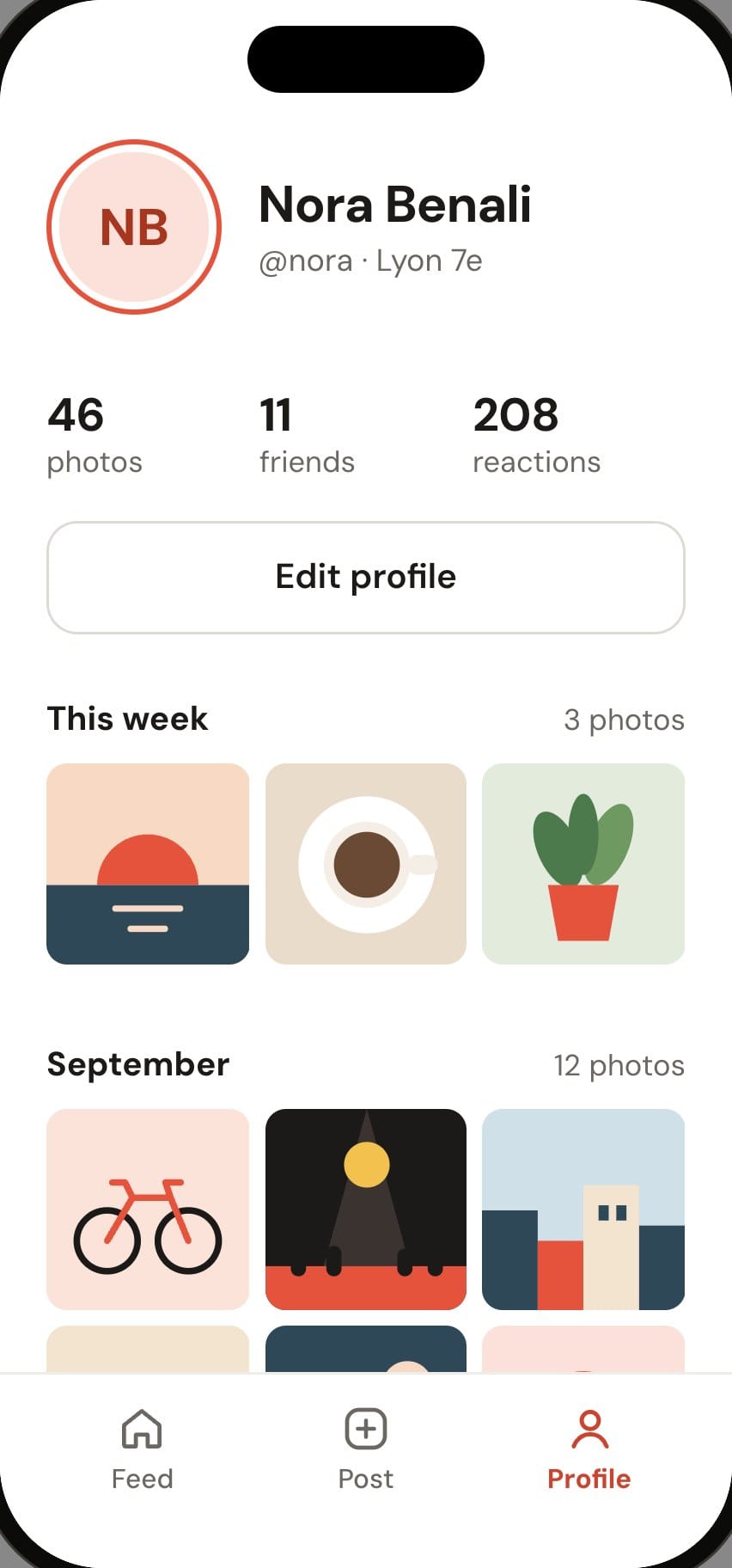
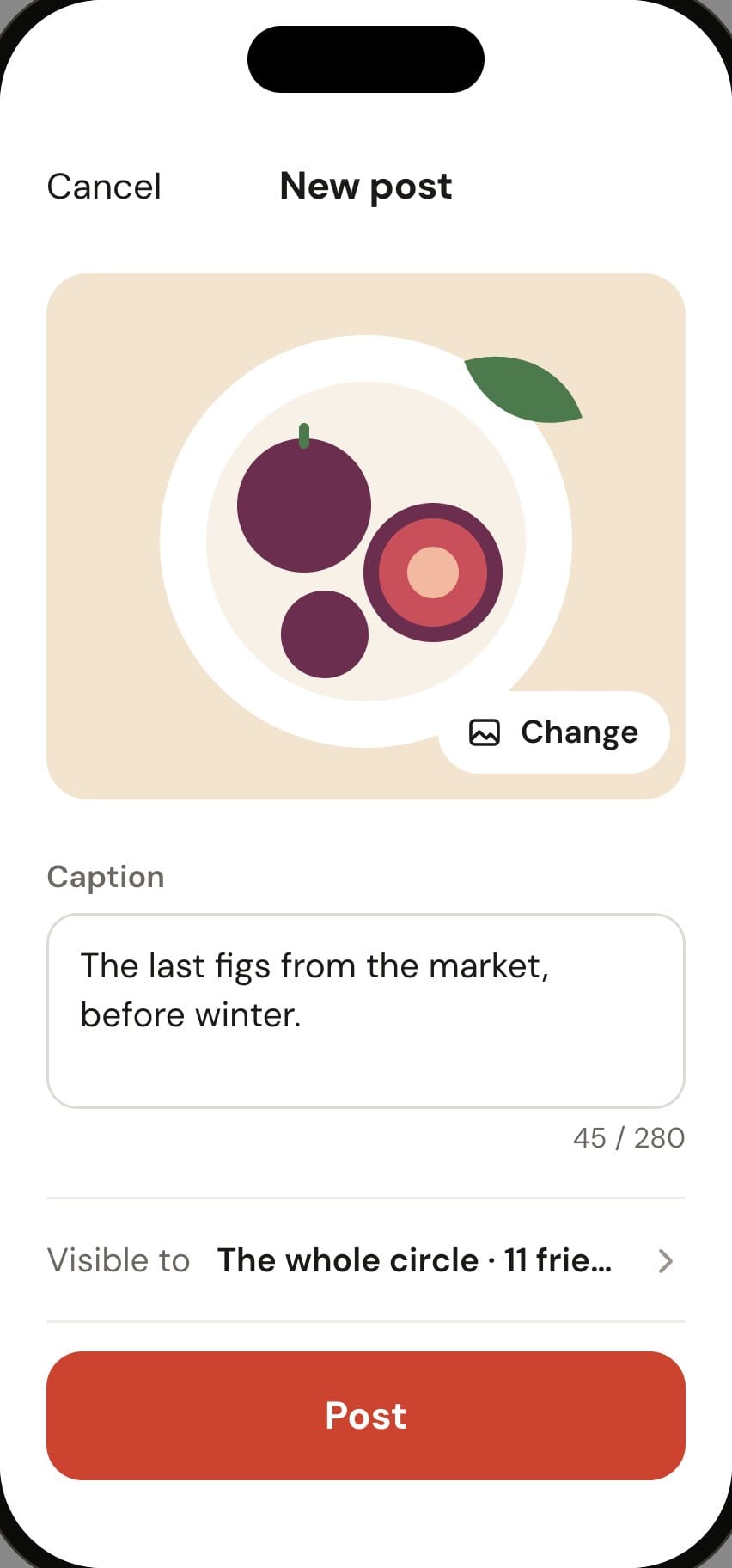
The request“A small network to share the week’s photos with friends, with reactions.”
Feed
Profile
New post
1 of 0
Habit tracker
The request“A dark-mode habit journal with three rituals a day and a streak I don’t want to break.”
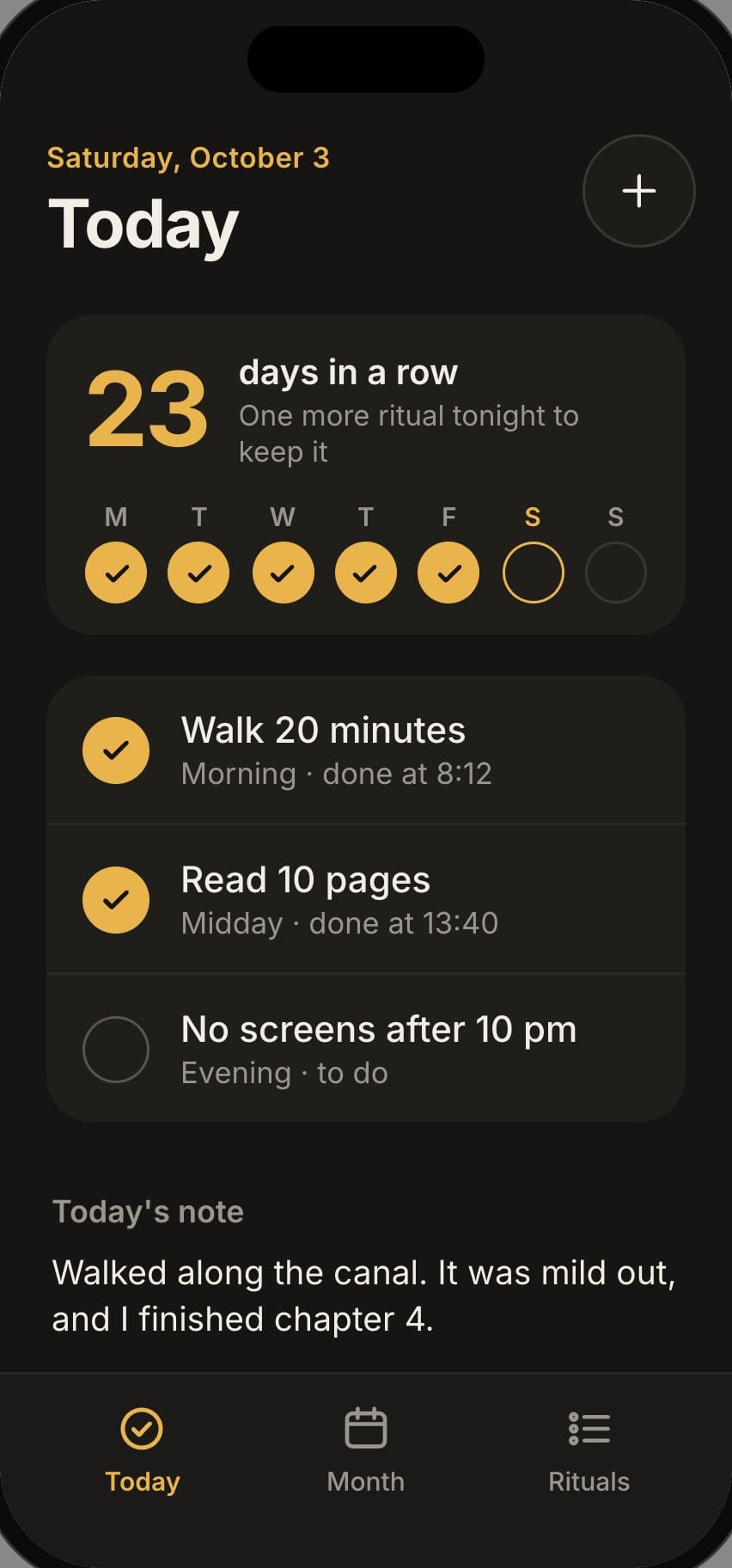
Today
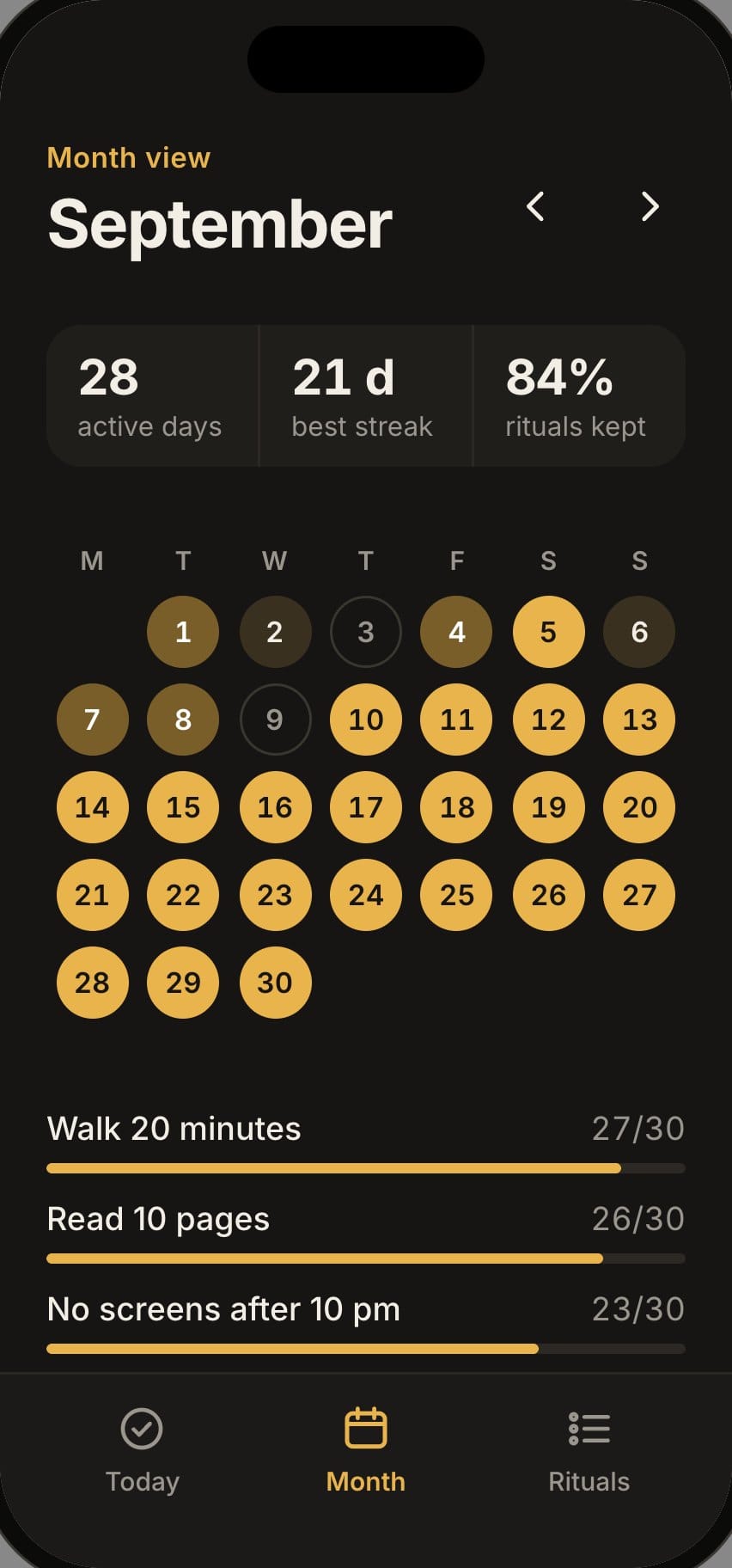
Month
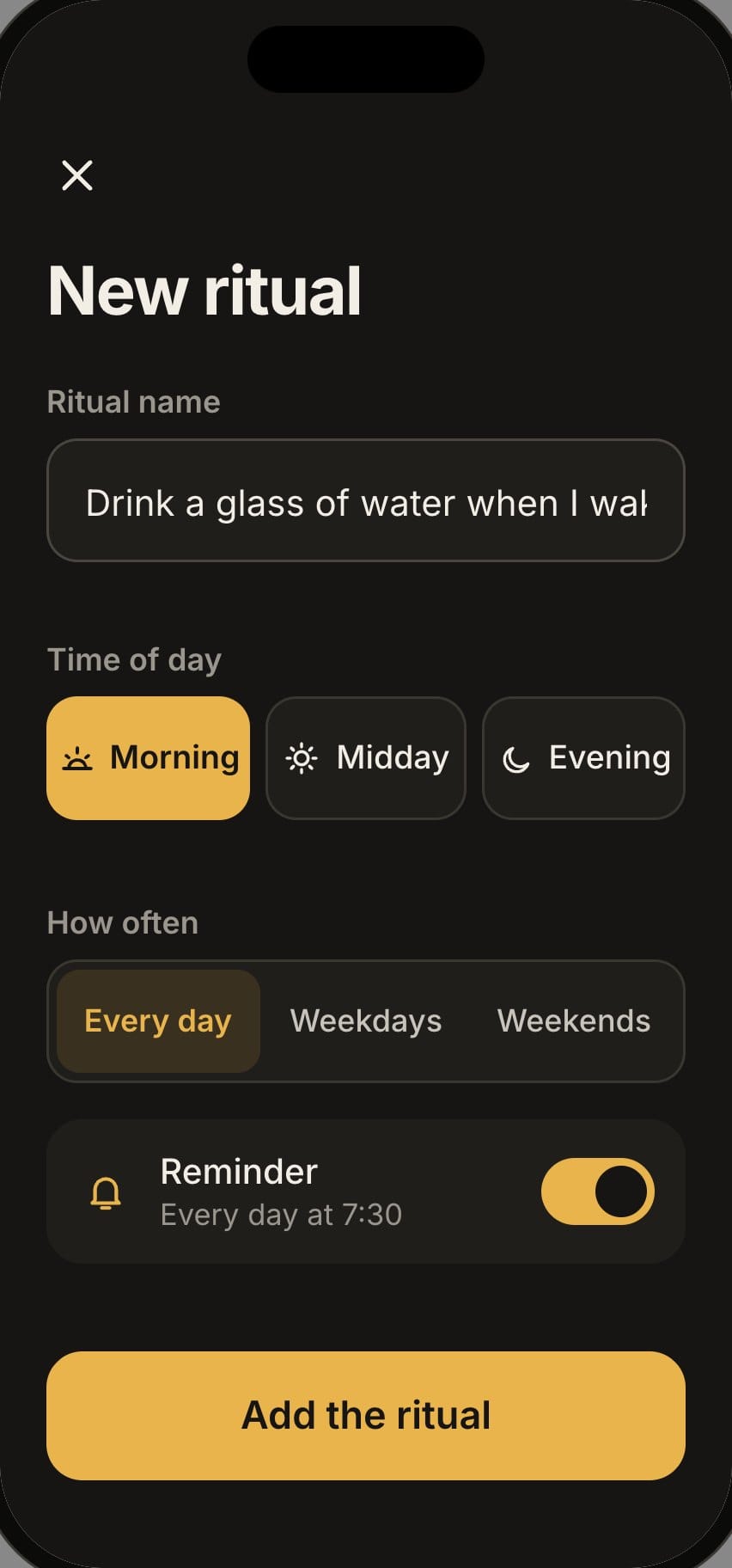
New ritual
1 of 0
Shop
The request“An app to sell my ceramics: a catalogue, a cart and pickup at the studio on Saturdays.”
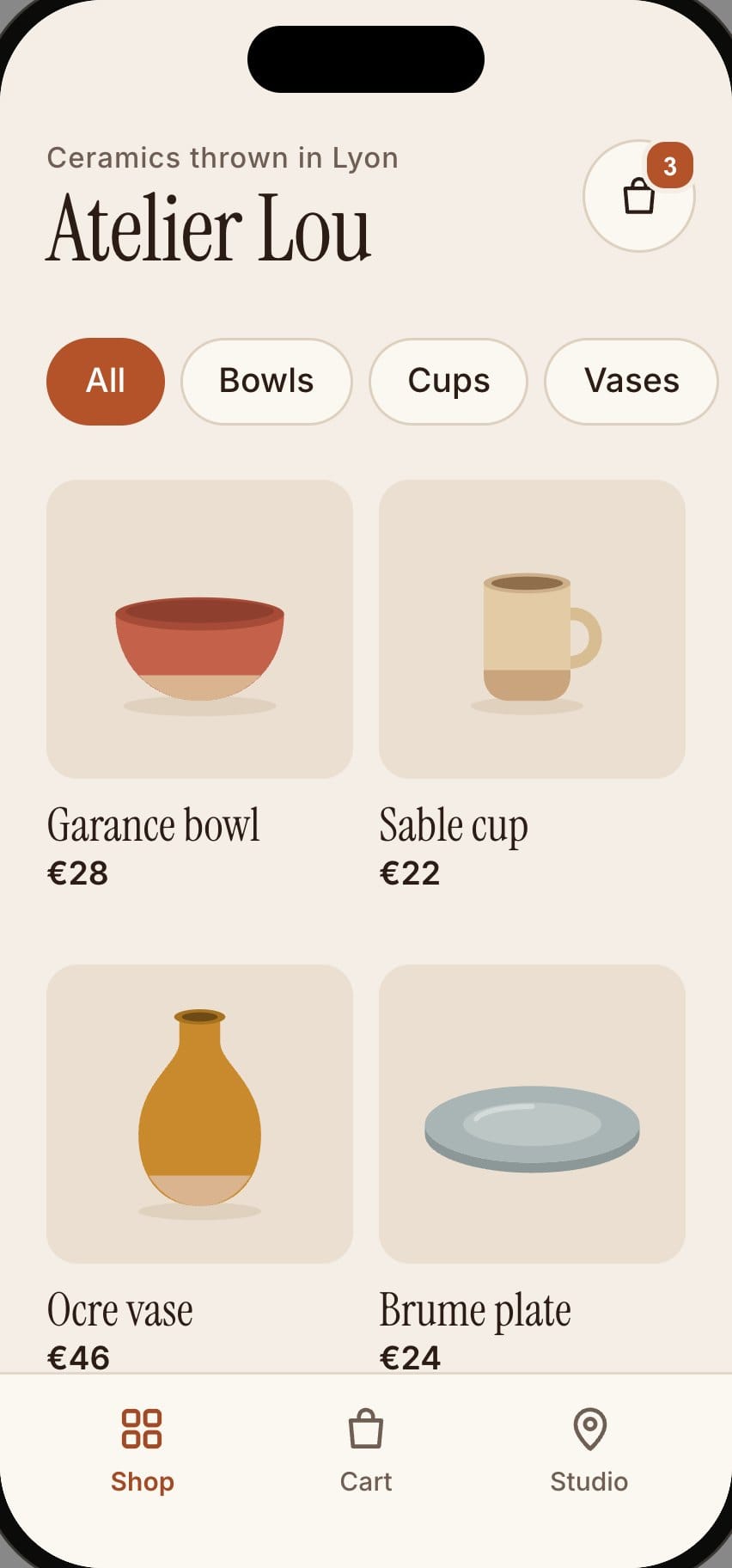
Catalogue
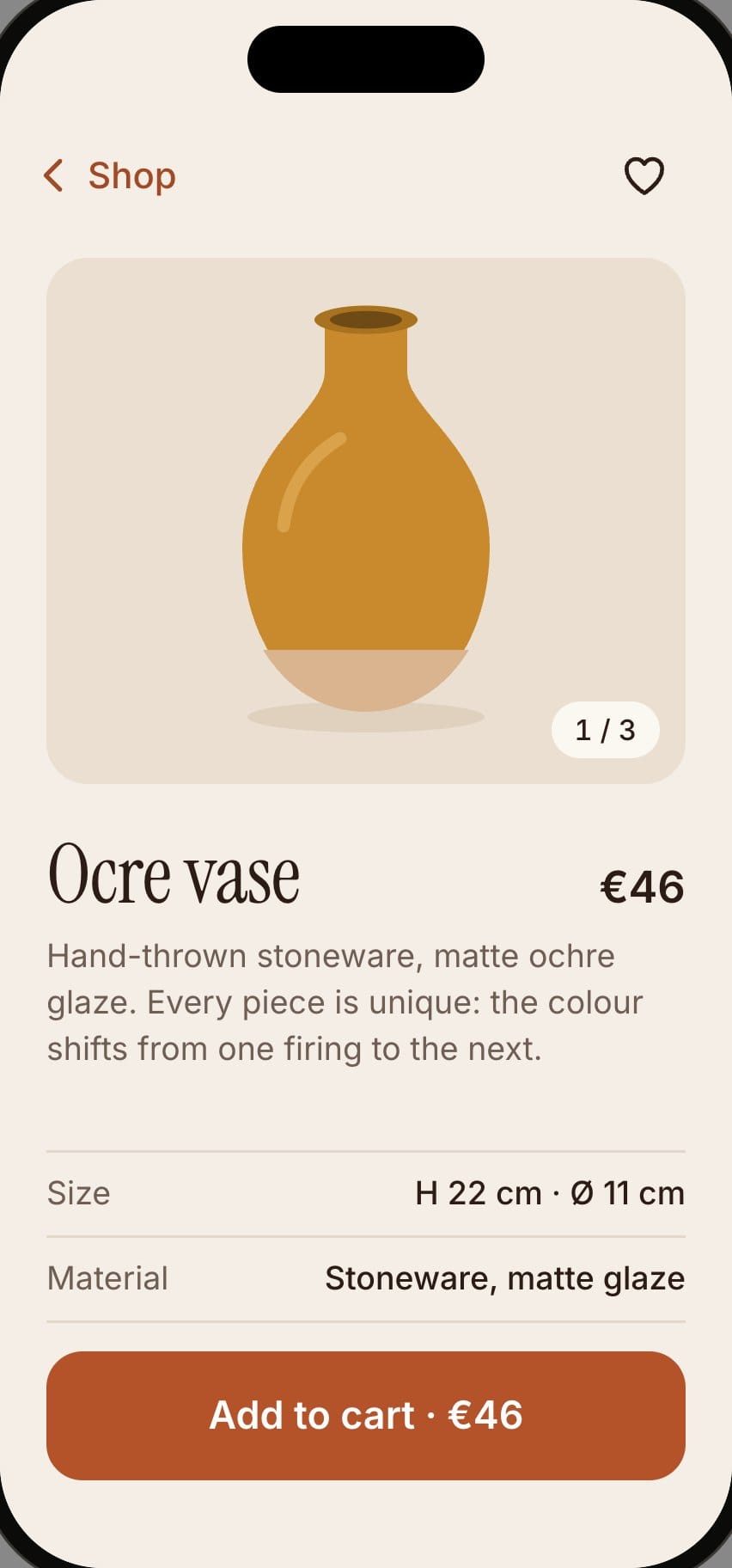
Product page
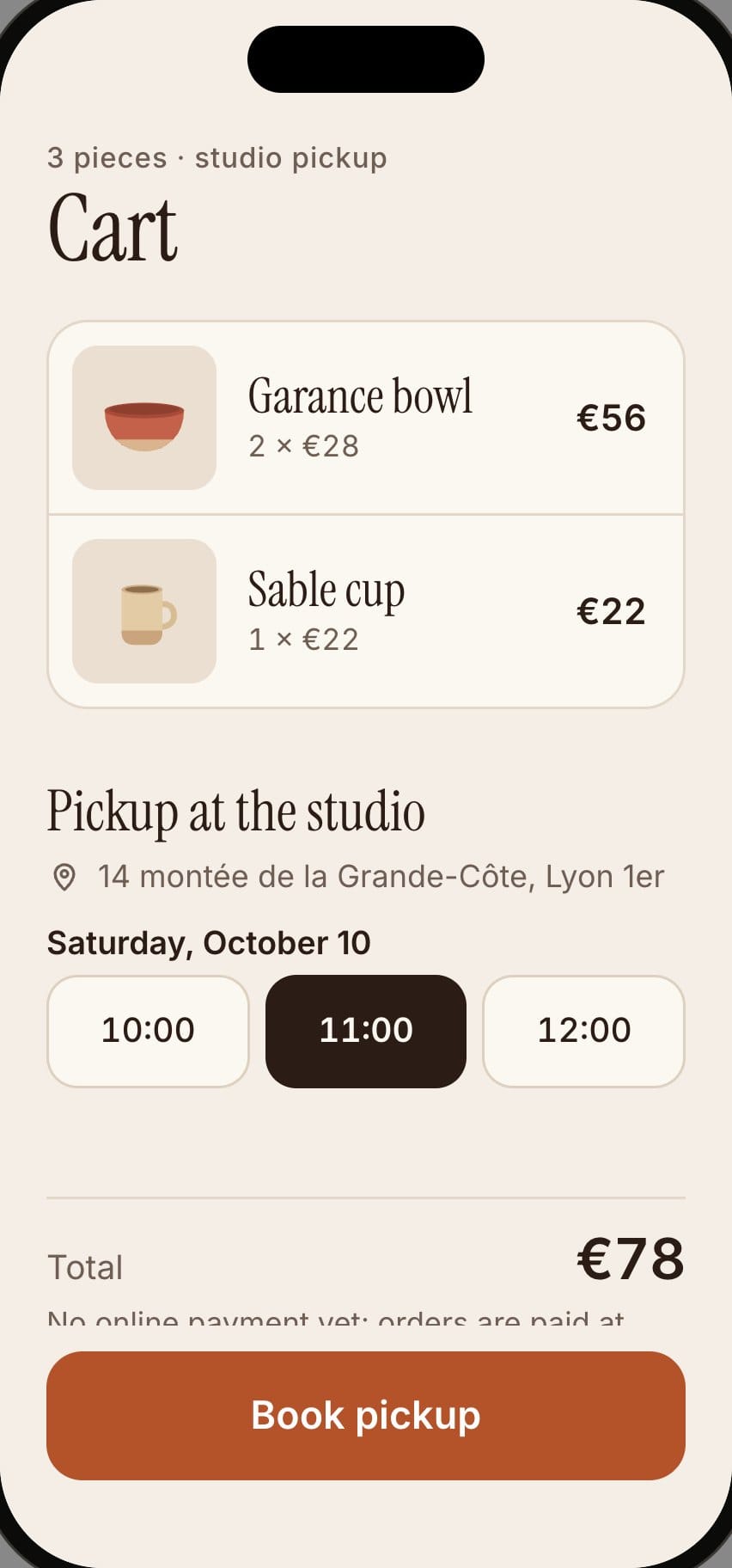
Cart
1 of 0
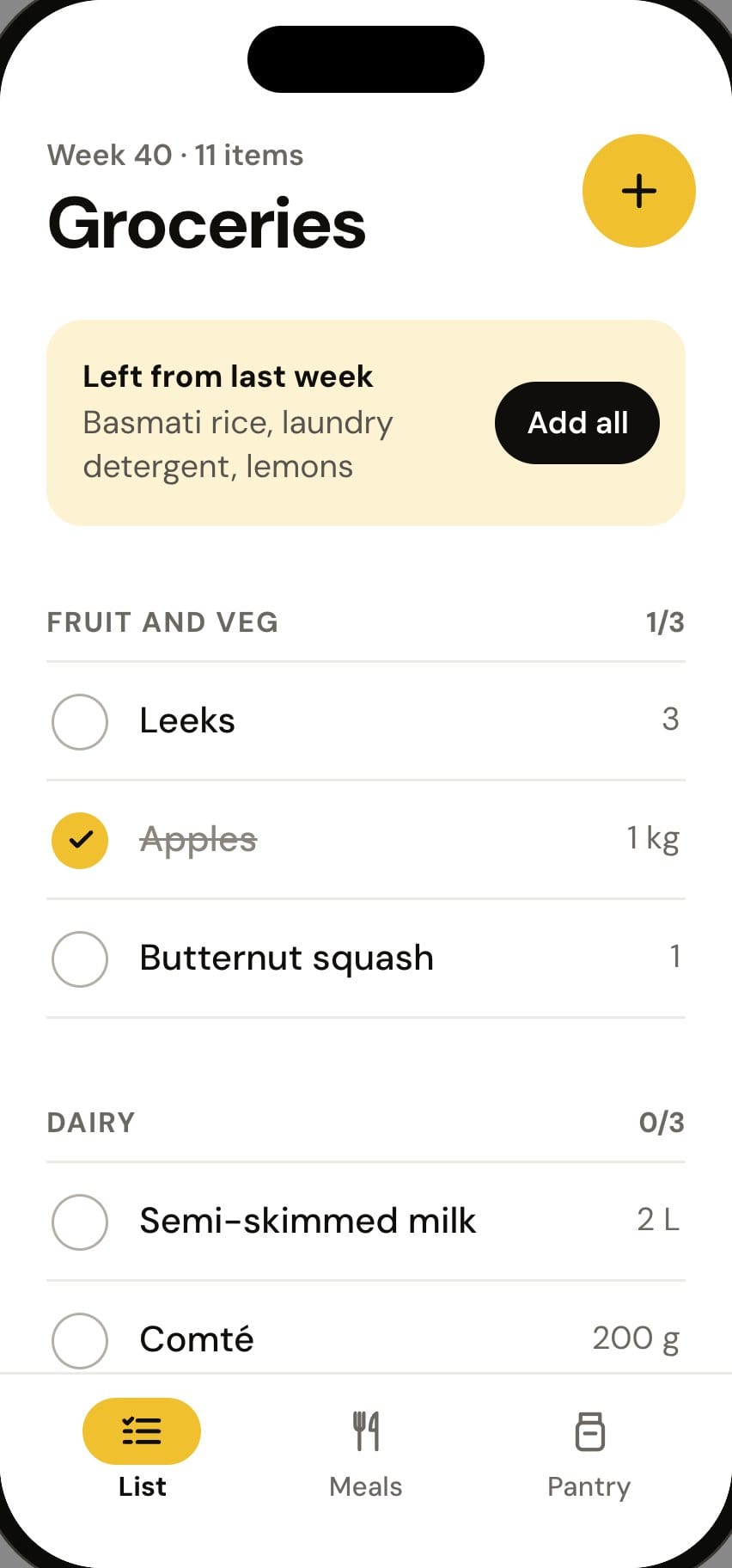
Grocery list
The request“My grocery list sorted by aisle, with the week’s meals.”
List by aisle
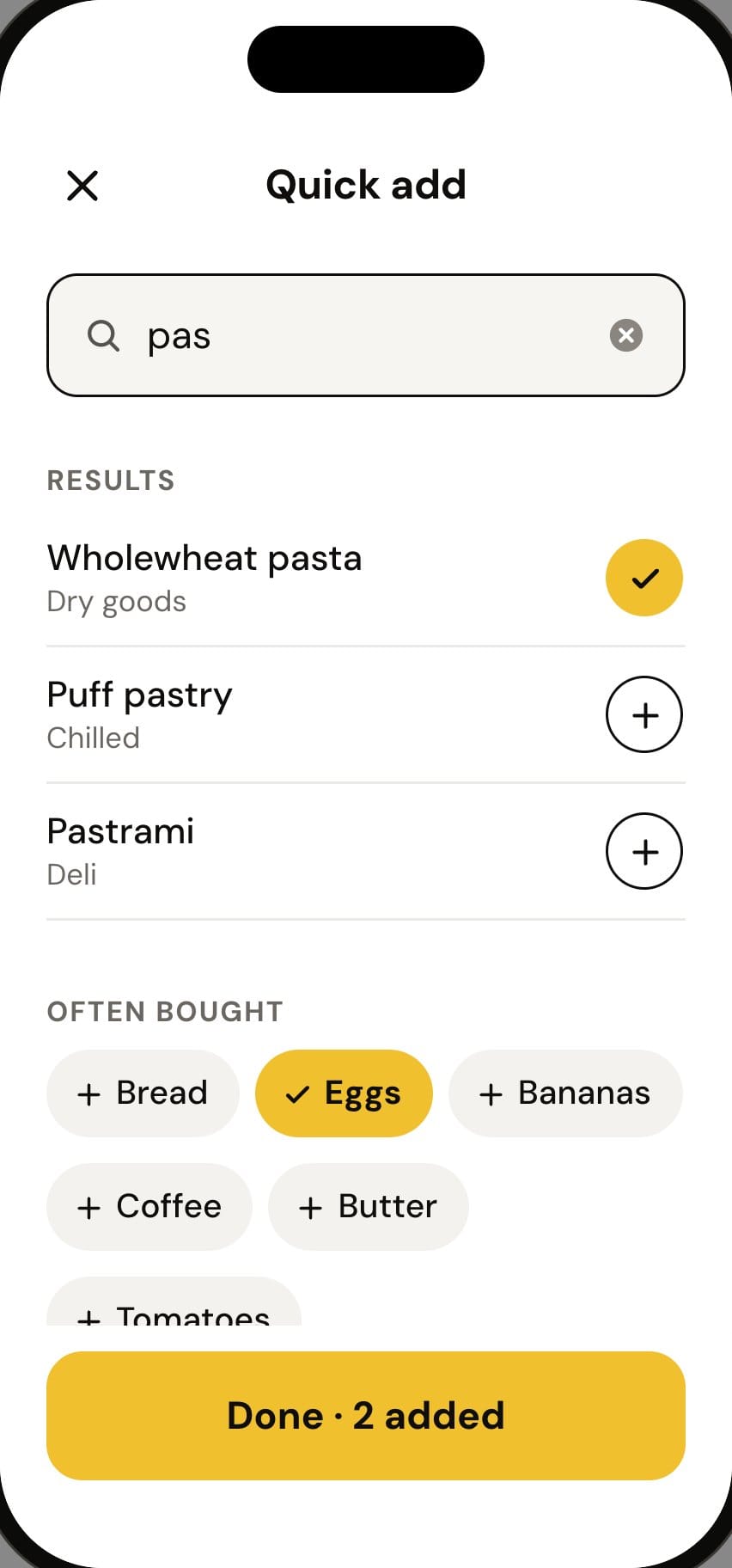
Quick add
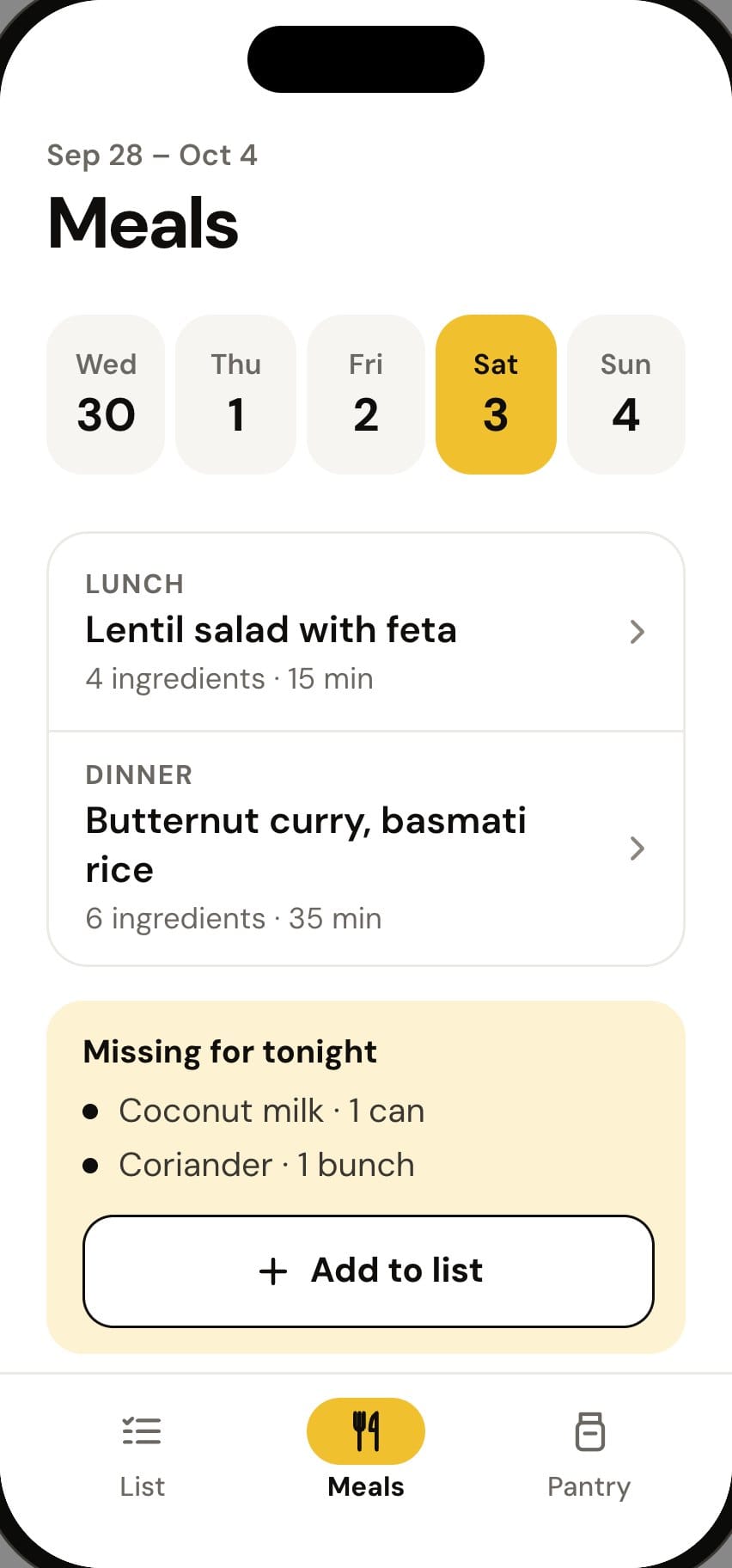
This week’s meals
1 of 0